Tembak Target Game
A fast-paced shooting game where players hit moving targets to score points and master accuracy.
Game Designer & Developer
2 months
4 developer
GDevelop Game Design Visual Scripting
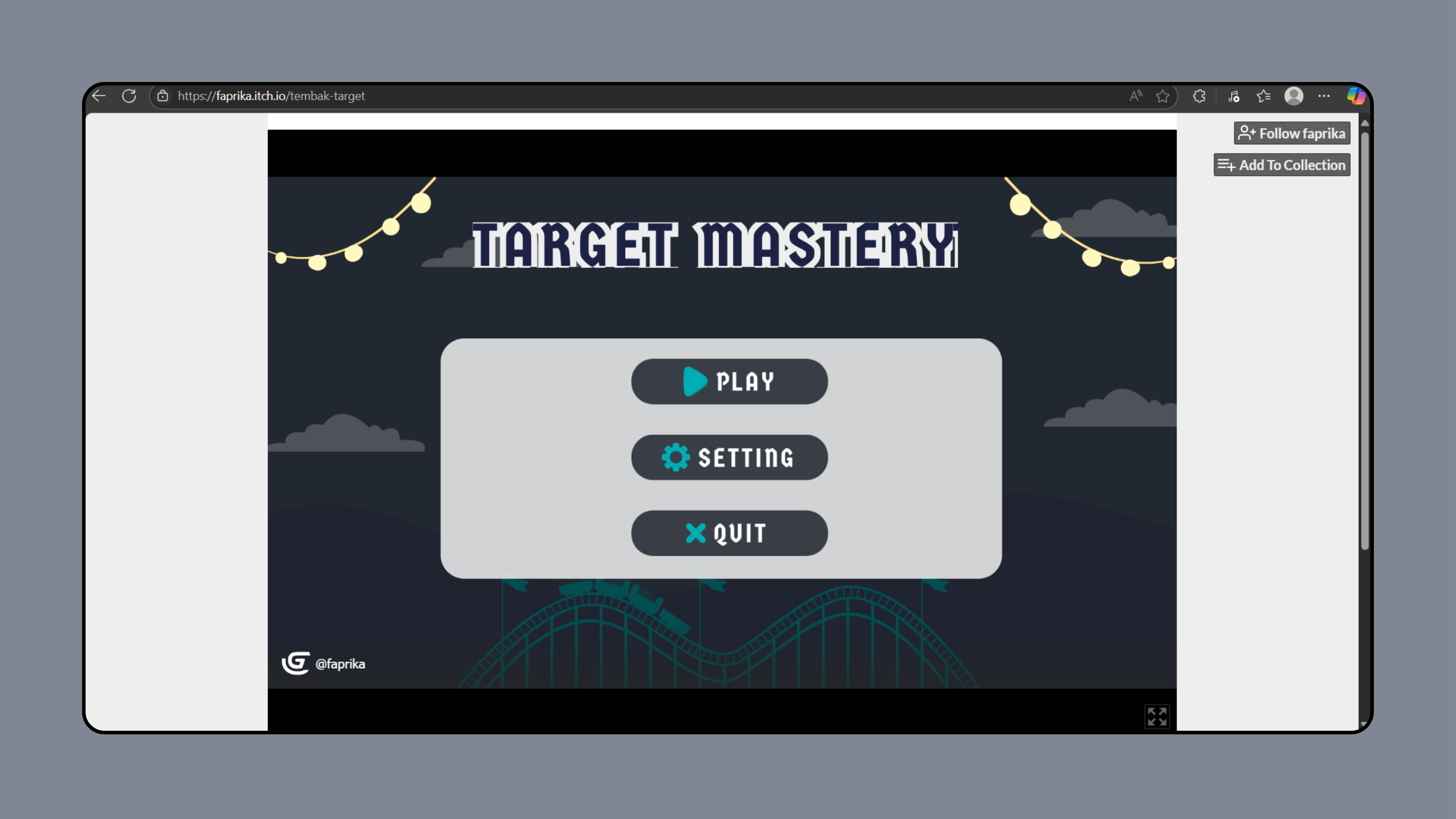
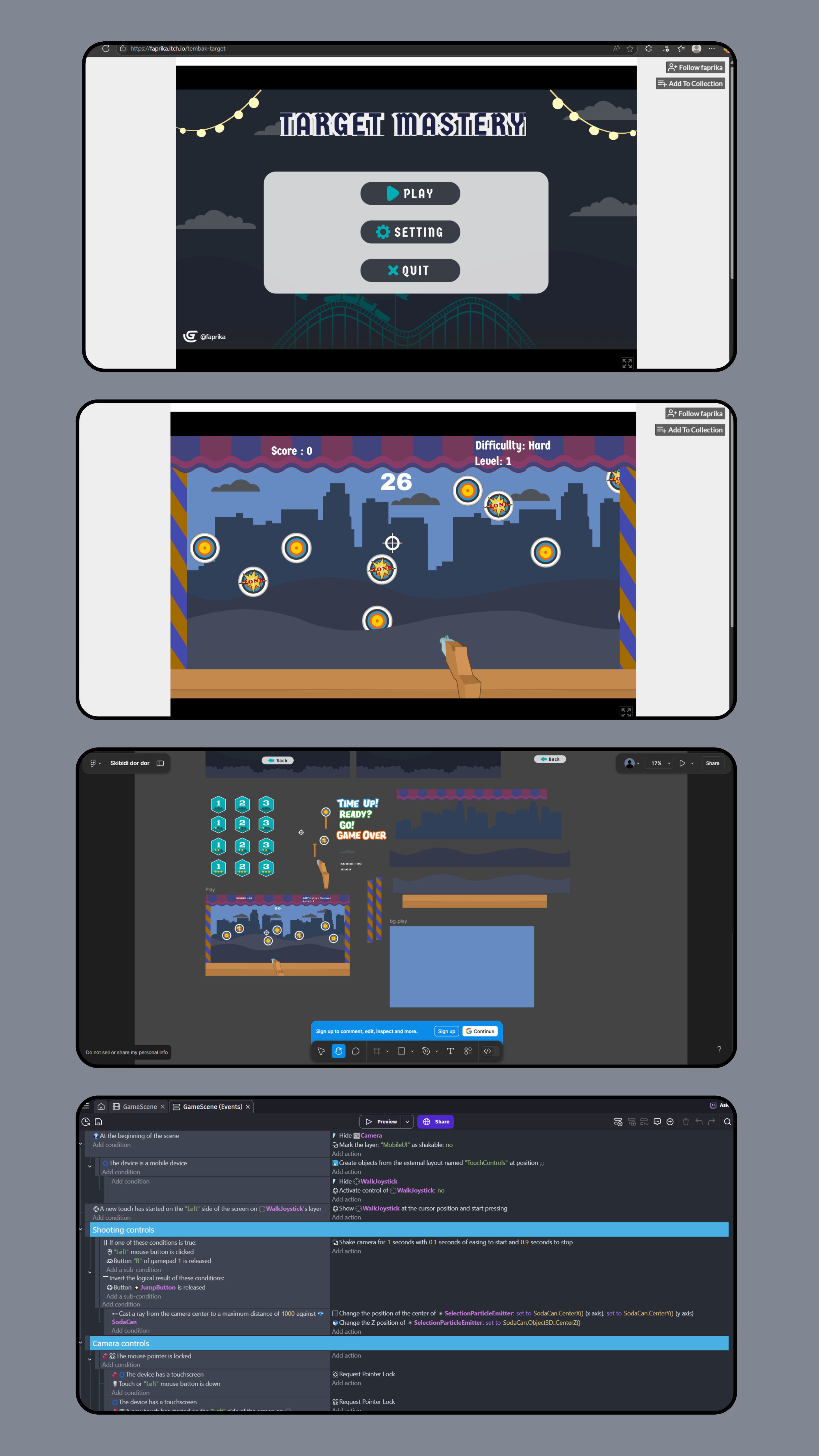
Tembak Target (Target Mastery) is a 2D browser-based shooting game built with GDevelop. Players aim to hit as many moving targets as possible within a time limit, with increasing difficulty at each level.
Problem
Tim membutuhkan project game untuk tugas kuliah dengan deadline singkat. Butuh platform yang memungkinkan rapid prototyping tanpa harus belajar game engine kompleks seperti Unity.
Solution
Menggunakan GDevelop sebagai game engine karena visual scripting yang intuitif dan export langsung ke browser. Game dirancang dengan mekanik sederhana tapi engaging — shooting accuracy challenge.
Architecture Decisions
- Chose GDevelop over Unity/Godot — faster learning curve for team with no game dev experience
- Browser-based deployment via itch.io — no installation needed, instant playability
- Event-driven logic instead of code — easier for non-programmers to contribute
- Timer-based levels — simple game loop that scales difficulty naturally
Trade-offs
- Visual scripting over code — faster development but limited advanced mechanics
- 2D over 3D — simpler assets and faster iteration for short deadline
- Single game mode — focused on core shooting mechanic rather than variety
Lessons Learned
- Game feel requires extensive playtesting and iteration
- Cross-platform input handling (keyboard/mouse/touch) is more complex than expected
- Balancing difficulty curve needs real player feedback, not just developer intuition
Features
- Interactive shooting gameplay with increasing difficulty
- Target variety including decoys and explosive traps
- Timer-based levels with score tracking
- Mobile and desktop support with adaptive controls
- Custom level design using GDevelop event system
- Arcade-style UI with animated feedback
Challenges Overcome
- Implementing smooth shooting mechanics across devices
- Handling multi-platform input (keyboard, mouse, touch)
- Balancing game difficulty and pacing
- Creating intuitive game UI and feedback animations