Home / Projects / Tembak Target Game
Tembak Target Game
A fast-paced shooting game where players hit moving targets to score points and master accuracy.
Tech Stack
GDevelop · Game Design · Visual Scripting
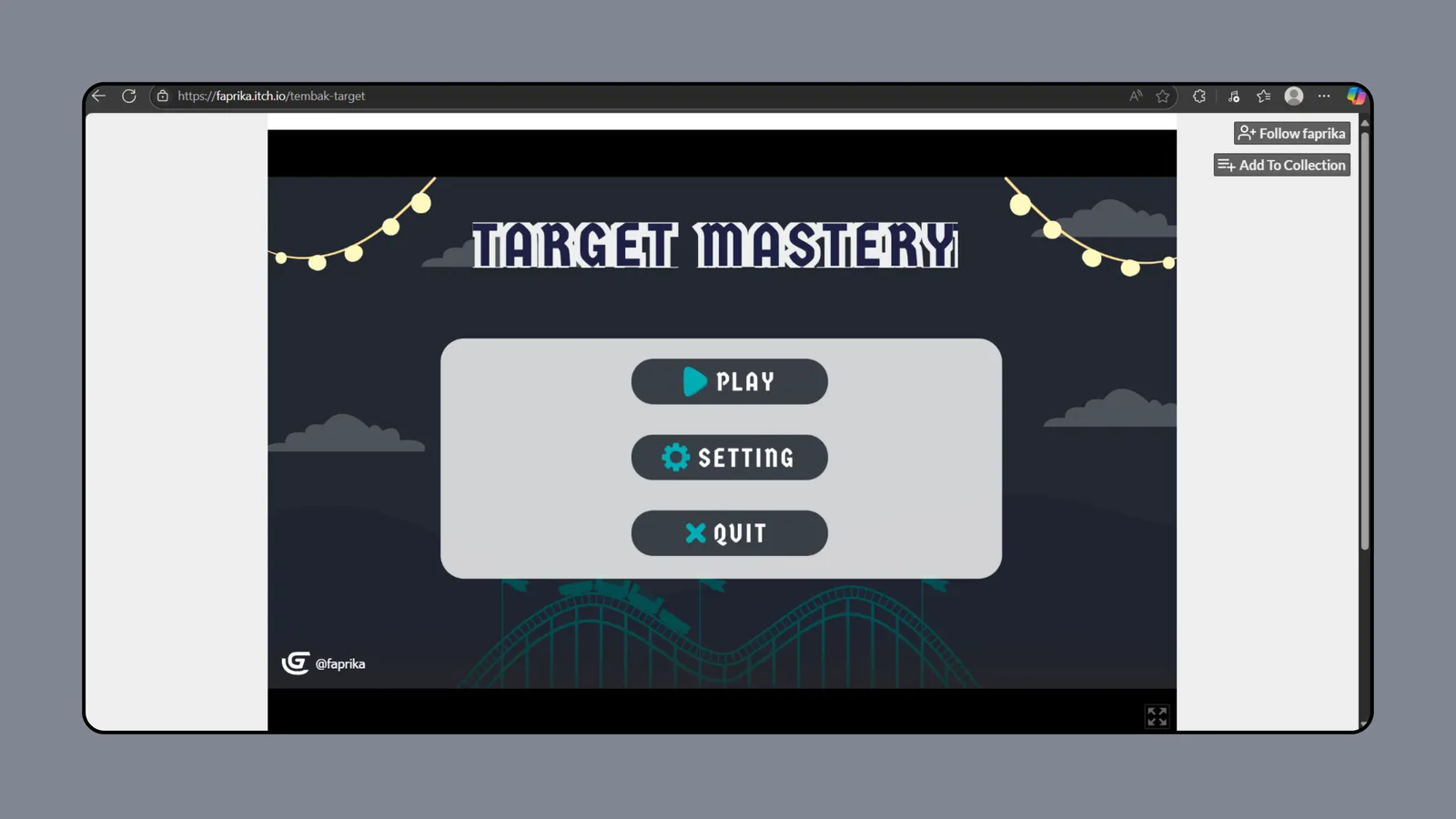
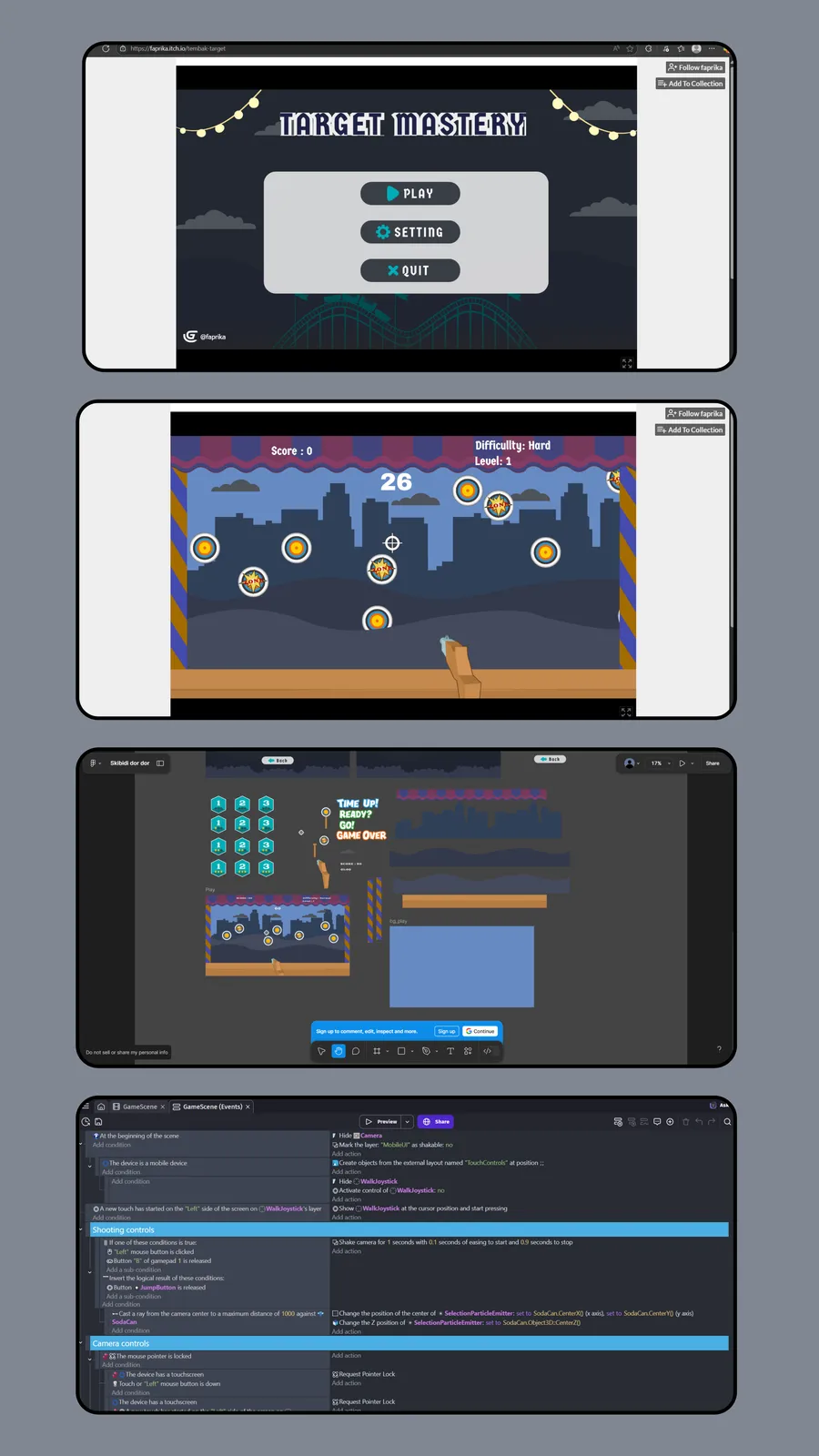
Tembak Target (Target Mastery) is a 2D browser-based shooting game built with GDevelop. Players aim to hit as many moving targets as possible within a time limit, with increasing difficulty at each level.
Problem
The team needed a game project for a university assignment on a short deadline — a platform that allowed rapid prototyping without first learning a complex engine like Unity.
Solution
Used GDevelop for its intuitive visual scripting and direct browser export. The game was built around one simple but engaging mechanic: a shooting accuracy challenge.
Architecture Decisions
- Chose GDevelop over Unity/Godot — faster learning curve for team with no game dev experience
- Browser-based deployment via itch.io — no installation needed, instant playability
- Event-driven logic instead of code — easier for non-programmers to contribute
- Timer-based levels — simple game loop that scales difficulty naturally
Trade-offs
- Visual scripting over code — faster development but limited advanced mechanics
- 2D over 3D — simpler assets and faster iteration for short deadline
- Single game mode — focused on core shooting mechanic rather than variety
Lessons Learned
- Game feel requires extensive playtesting and iteration
- Cross-platform input handling (keyboard/mouse/touch) is more complex than expected
- Balancing difficulty curve needs real player feedback, not just developer intuition
Features
- Interactive shooting gameplay with increasing difficulty
- Target variety including decoys and explosive traps
- Timer-based levels with score tracking
- Mobile and desktop support with adaptive controls
- Custom level design using GDevelop event system
- Arcade-style UI with animated feedback
Challenges Overcome
- Implementing smooth shooting mechanics across devices
- Handling multi-platform input (keyboard, mouse, touch)
- Balancing game difficulty and pacing
- Creating intuitive game UI and feedback animations